UGREEN USB Bluetooth 5.3 5.0 Dongle Adapter for PC Speaker Wireless Mouse Keyboard Music Audio Receiver Transmitter Blu
R$ 90,00

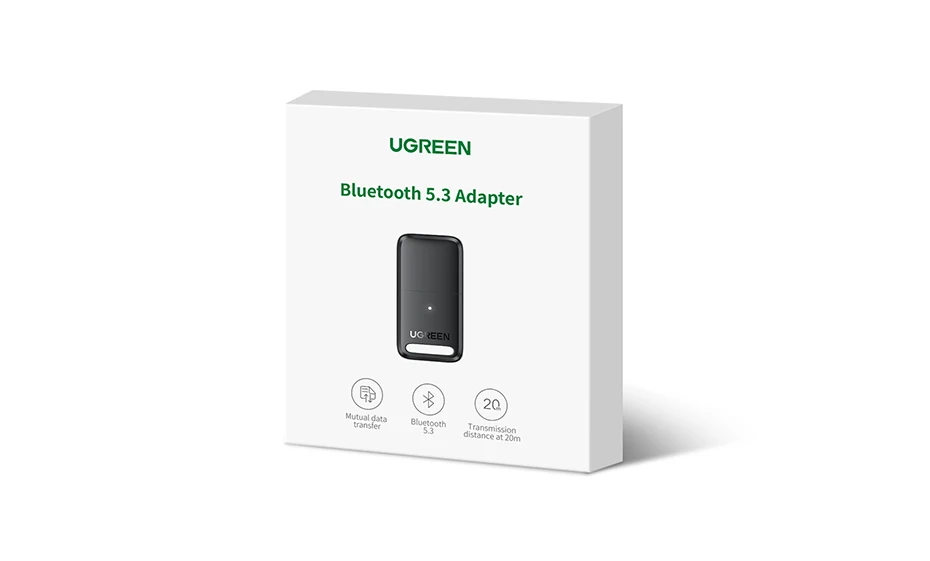
O adaptador Bluetooth USB só pode ser conectado ao seu computador de mesa ou laptop e não pode ser usado em outros dispositivos, como um carro.
Antes de usar o produto, desative o Bluetooth do próprio computador e desinstale o driver Bluetooth existente do computador e, em seguida, instale o driver deste produto.

Aproveite a vida sem fio rapidamente


Bluetooth 5.3, compatível com dispositivos 5.1/5.0/4.0

Use apenas em computador com Windows

Conecte 5 dispositivos simultaneamente
Aproveite a vida sem fio
Aproveite o trabalho e o jogo sem fio

Transferir arquivo instantaneamente via conexão

Transferência mais rápida e estável

Each UGREEN product has undergone layers of security testing and passed multiple international security

Keep lighting when it works


Q: My PC Can't use this CD, how do I install the driver?
A: If your PC does not have a CD driver, please kindly download the driver from UGREEN official website. it is for free.
Download link: https://www.mediafire.com/file/4zocnlemhj3656g/Bluetooth_5.0_Adapter_Installation.rar/file
Note: Before using the product, please disable the Bluetooth of the computer itself, and uninstall the existing Bluetooth driver of the computer, and then install the driver of this product.
Q: Why it is failed to work when the dongle plug in windows 10 operating system?
A: The Bluetooth 5.0 Dongle needs to install the driver when plugging in the windows 10 system. so that you can get better wireless performance.
Q: Does the Bluetooth dongle support TV?
A: Sorry, this device will only work when plugged into supported Windows. Even though TVs, home theater equipment, and stereos have USB ports, they don't have the necessary drivers to support this adapter.
Q: After the driver installation is completed and the Bluetooth adpter cannot be searched?
A: 1. Restart the computer after installation 2. Please confirm that your Bluetooth device (headphone / keyboard / speaker) is not occupied by other Bluetooth
Q: Why do I get a driver error when I install the driver?
A: Maybe the built-in Bluetooth on the computer causes a conflict. Please disable the previous Bluetooth first.
Tips:Connect 5 devices wireless via Bluetooth 5.0 dongle at the same time, but music streams to only 1 audio device at a time.
How do I install the driver for Windows?
a. To install the driver, visit the UGREEN website, search “CM390” and download the driver in the "Support" section
d. Open file "UB400_Driver.zip", click through the following “Windows” file and click on “setup.exe” and finish the installation


